Studio is private
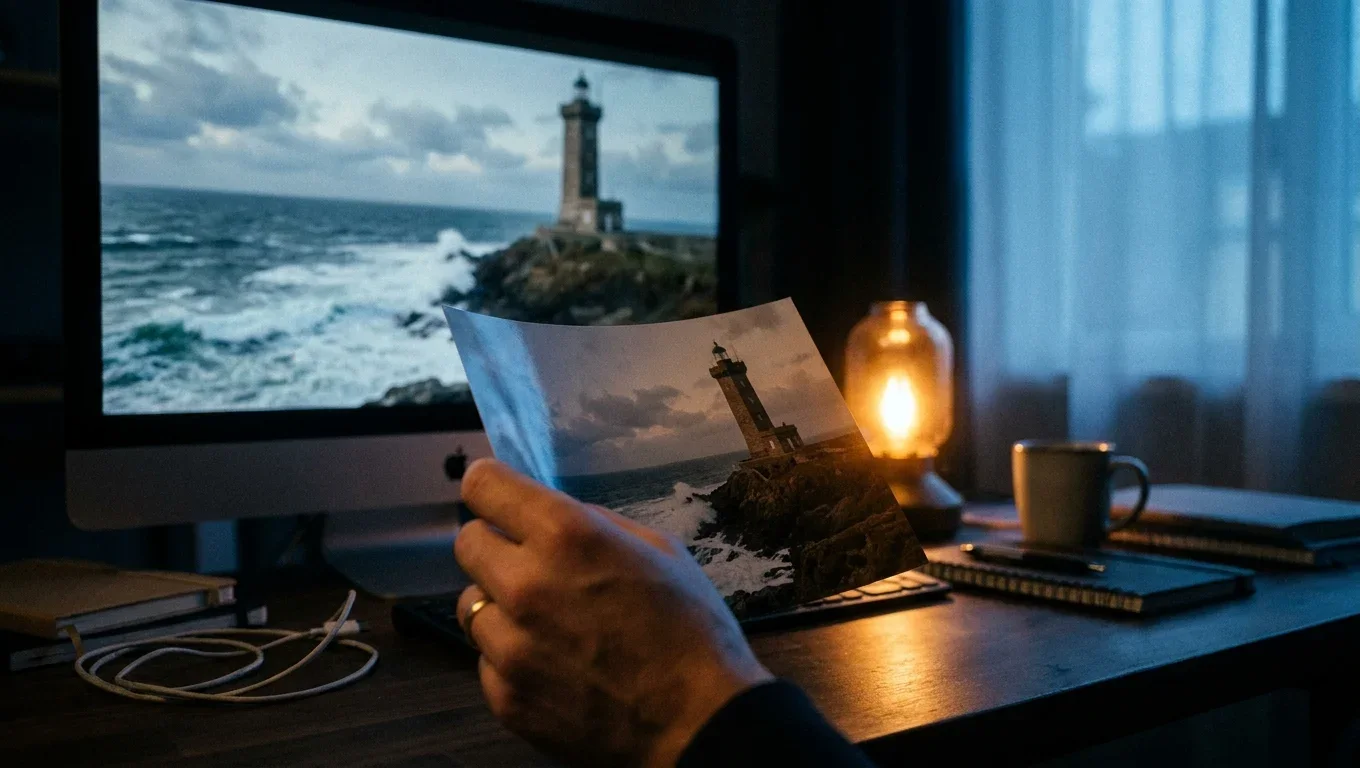
A hand holds a printed photograph of a lighthouse in front of a monitor showing the same lighthouse as a moving shot with waves breaking.AI-generated still
SC.02Photo to Video7 guides

A still picture, set in motion

How a single still becomes a moving shot: what the model does, how to direct the camera with words, and what usually goes wrong.

The topic

In Cinetana's Studio, a shot starts as a still picture made with Google's Gemini image model. The best stills are then sent to Kling, a third-party video model, with a short motion prompt: push in slowly, let the waves break, let the smoke drift.

It works best on scenes with one clear subject and a natural motion. It still fails in familiar ways: hands that change shape, faces that drift, text that melts. This topic shows those faults on our own frames, and the fixes we use.
In the studio
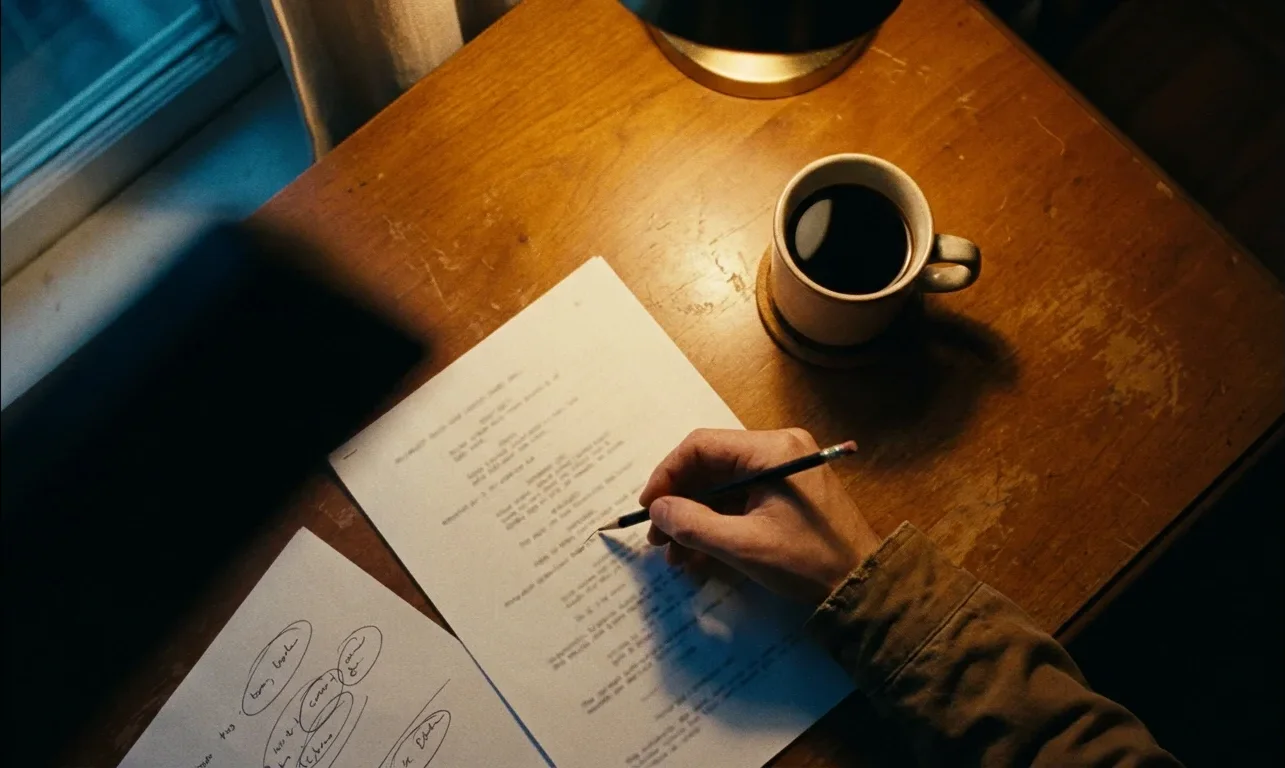
Step 01Make a strong stillOne subject, one light, one camera angle. A picture that is unclear as a still only gets worse in motion.
Step 02Direct the cameraA motion prompt names a camera move and one thing that moves in the scene. Short prompts drift less than long ones.
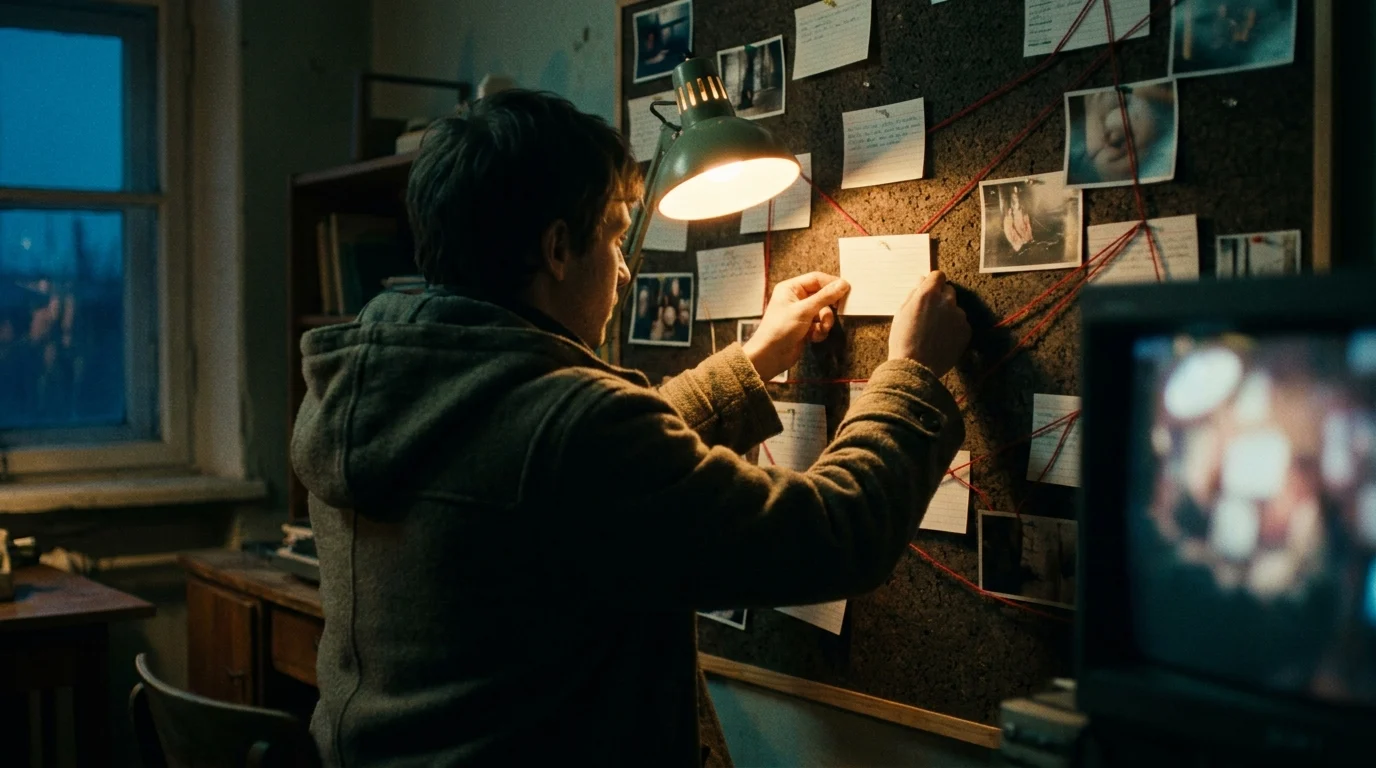
Step 03Check every frameWe scrub each clip for warped hands, drifting faces and melted lettering, and send it back if anything slips.
Step 04Label itEvery animated shot is AI-generated, and we say so wherever a viewer could mistake it for real footage.
The guides
  • 01
    AI photo to video generator: how a still becomes a shotWhat the model does, frame by frame, on our own pictures.
    In writing
  • 02
    AI animated video maker: from storyboard to finished cutOne still per shot, motion per shot, then the edit.
    In writing
  • 03
    Animate a photo with AI: what happens under the hoodWhich motions look natural, and the consent rule.
    In writing
  • 04
    How to animate a photo, step by stepPick the still, write the motion, set the length, fix faults.
    In writing
  • 05
    Animate a photo online, in the browserFile sizes, render times, nothing to install.
    In writing
  • 06
    AI anime video generator: style and consistencyKeeping one character the same across many shots.
    In writing
  • 07
    Video to cartoon with AI: look modes explainedTurning stills or footage into a drawn look.
    In writing
Rules we keep
Sources
Other topics